Night Atlas: a free planetarium and Stellina companion for Windows
Pick your town and see tonight's sky the way it looks from there. Learn the constellations with Star Camp, a gentle game for beginners and families. And if you own a Vaonis Stellina smart telescope, Night Atlas puts each of your photos on the object you captured.
Free, with no account, no ads, and no installer. Windows may warn you the first time, because the app isn't code-signed. Click More info, then Run anyway.
Optional and also free: the Photographs pack, with larger versions of the deep-sky photos
What it looks like
 Tonight's sky, from your town
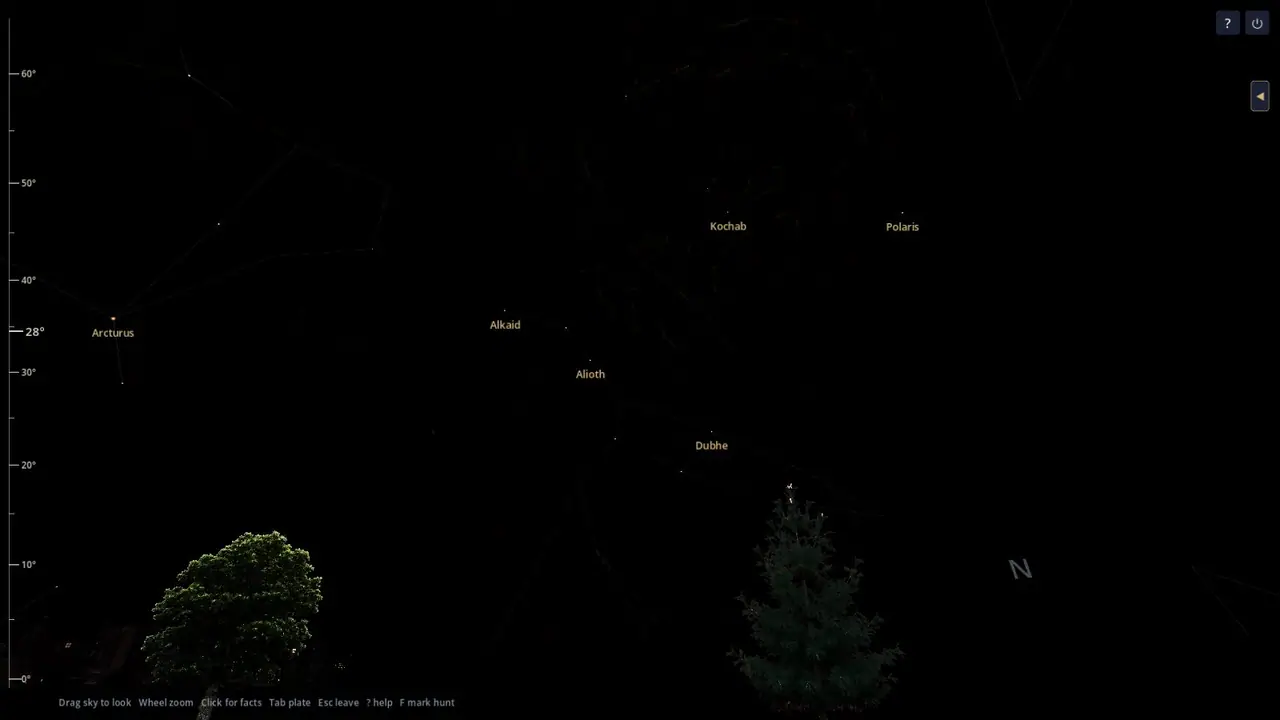
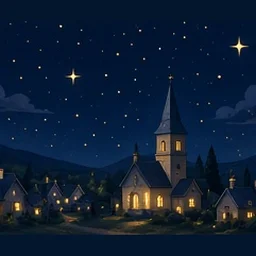
Night Atlas opens on the sky as it looks from a town you've saved. You enter the town yourself, so it never asks for your GPS location. Drag to look around, scroll to zoom, and click any star to read about it. The planner shows what's up tonight, sorted by how high each object is. It also lists the night's events — eclipses, close pairings of planets, oppositions (when a planet is closest and brightest), meteor shower peaks, and passes of the ISS and China's Tiangong station — and those station passes stay up to date automatically. Pick the objects you want to see, and Night Atlas lists them from highest in the sky to lowest.
 Star Camp for beginners and families
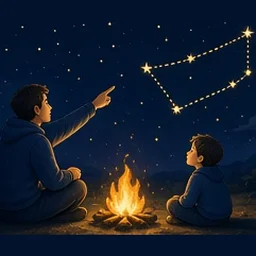
Star Camp is a learning game played on that same sky. It asks you to find constellations that are actually up over your town tonight. Flash cards next to the sky give you hints, like the ones kids use to learn multiplication. The cards cover the classic Greek constellations, and you can also turn on a set for the Mazalot, the twelve constellations of the Hebrew calendar. Practice one season at a time, or let it pick a random night. If you'd rather not keep score, Journal mode lets a family learn together without it feeling like a test. Every flash card can also be printed as a black-and-white sheet.
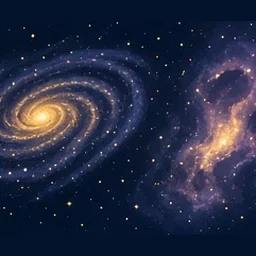 Real photos of galaxies, nebulae, and clusters
Zoom in on a galaxy, nebula, or star cluster and a real photograph of it appears in the sky, behind the trees and horizon. Photos are included for all 110 objects in the Messier catalog, the classic list of bright deep-sky objects, plus about 50 other favorites. Beyond those, the sky holds more than 11,000 objects from the NGC and IC catalogs, the two big professional lists of galaxies, nebulae, and clusters. You can find each one and read about it. Some photos are mine, taken with my Stellina, and others come from NASA, Hubble, Spitzer, and the Digitized Sky Survey (NASA doesn't endorse Night Atlas). These photos come with the app, and the free Photographs pack adds larger versions.
As you zoom in, the photo gets sharper, going from a faint smudge to a detailed close-up, much like moving to a bigger telescope. Click any object to see what it is, how bright it is, and how big it looks in the sky. Objects below your horizon are hidden behind the ground, so you only see what's actually up from your town. Photos you've taken yourself appear alongside the built-in ones in the object's photo gallery.
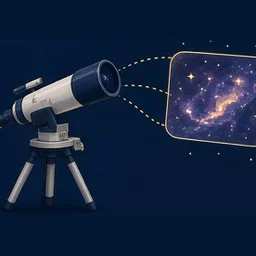 Your telescope photos, filed for you
Smart telescopes like the Vaonis Stellina take their own photographs, and Night Atlas can put yours right on the sky. Point it to the folder where you keep your pictures, and each time it starts it sorts through them, showing you its progress. Each photo lands on the object you captured, so when you zoom in on the Orion Nebula, your own picture is there. It was built around the Stellina, but photos from other telescopes work too, as long as they're JPG or PNG files named for the object (for example M42.jpg or NGC7000.png).
Photos can be any size; Night Atlas scales each one to 2048 × 2048 pixels for the sky. TIFF files are set aside and not used. When it's done, a short summary tells you how many photos matched, how many didn't, and how many TIFF files it skipped.
Night Atlas can also tell you when an object will next be high enough in a dark sky to photograph from home. You set the minimum height and the hours you're willing to shoot in Settings, and it rates how much the Moon will get in the way.
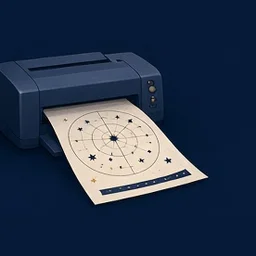 Printable sheets
Star Camp can save black-and-white PDF sheets to your Documents folder and open them, ready to print. They're handy for a class, a star party, or the kitchen table.
Constellation sheets come in three styles. One shows just the stars and the stick-figure lines. One adds the classic star-atlas drawing and a short version of the old story behind it. The third is a coloring page with the full outline, the constellation's name and nickname, and the time of year it's up. You can print the 12 best-known constellations or the whole set, one per page or two to a page.
Mazalot sheets cover the twelve constellations of the Hebrew calendar, with each one's Hebrew and English name and its month.
There's also a Moon journal page showing the eight phases, and an eclipse sheet with the times for your town.
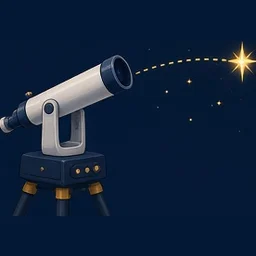 Using it with a telescope
Plan your night in My night, then click Save list to get a spreadsheet file (CSV) with each object's name, best viewing time, height, and sky coordinates. You can open it in another program, or type the names into your telescope's app in that order. Stellina owners can follow the list in the Vaonis Singularity app.
Coming in Night Atlas Extra: choose your GoTo mount (a motorized mount that finds objects on its own) from Celestron, Sky-Watcher, Meade and others. You'll get setup steps for it, then click any object in the sky to send your telescope straight to it.
 Night Atlas Extra, coming soon
Night Atlas Extra will be a paid version. It isn't for sale yet, and I haven't set a price. The Windows app on this page will stay free, and it will keep getting updates.
Planned for Extra:
- Click any object in the sky and send your GoTo telescope mount straight to it.
- Night Atlas on Android first, then on iPhone.
Help shape what comes next
I'm still actively working on Night Atlas, and many of the best ideas come from the people using it. I'd really appreciate honest, constructive feedback. If you find a bug, if something is confusing, or if you have an idea that would make it easier to use with your own telescope, please tell me. Every message gets read, and good suggestions go on the list for future updates. Not sure what to write? See examples of a helpful report.
Or email [email protected].
If you'd like to know when it's ready, leave your email and I'll send you one note. You don't need an account, and I won't send anything else.
The mailing list is run by Buttondown. The email will tell you how to unsubscribe.
 Questions
-
Is Night Atlas free?
Yes. Night Atlas is free to download and use, with no account and no ads. Download sites are welcome to share the unmodified NightAtlas.zip for free, as long as they link back to nightatlas.pages.dev. Please don't sell it, charge for it, or change or repackage the zip.
-
What is Night Atlas?
A free sky atlas for Windows that shows the night sky from your own town. I'm Stephen Partridge, a retired amateur astronomer, and I built it as the sky program I wanted for myself. It teaches the constellations through Star Camp, and if you own a Vaonis Stellina smart telescope, it puts each of your photos on the object you captured.
-
Does Night Atlas work with a Vaonis Stellina?
Yes. Copy your Stellina sessions into the folder Night Atlas watches, and each time it starts it puts every picture on the object it shows. It doesn't control the Stellina itself; it gives your photos a home on the sky.
-
What do I need to run Night Atlas?
A 64-bit Windows PC. There's no installer: unzip NightAtlas.zip (about 300 MB) and open NightAtlas.exe. The optional Photographs pack is about 50 MB; unzip it so a folder named photographs sits next to NightAtlas.exe. There's no phone version yet.
-
Why does Windows warn when I open Night Atlas?
Night Atlas is new and isn't code-signed, so Windows SmartScreen may show a warning the first time you open it. Click More info, then Run anyway.
-
Does Night Atlas use my location?
No. You type in a town, state, or country instead, and the app never asks for your location. Your town, settings, and sky log stay on your computer; this website never sees them.
-
What is Night Atlas Extra?
A paid version that's coming later. It isn't for sale yet, and I haven't set a price. The plan is to let you click an object in the sky and have your GoTo telescope mount point at it, and to bring Night Atlas to Android and then iPhone. The free Windows app will stay free.
-
Does this page collect personal information?
Only if you leave your email to hear when the next version is ready. Buttondown, the mailing-list service I use, stores it so that note can be sent. I don't sell it, and this site never receives your town or sky log.
 Privacy
This site asks for your email address only if you want a note when the next version is ready. Buttondown stores that address so the note can be sent. I don't sell it, and I don't add it to any other list.
The Windows app runs entirely on your computer. Your town, your settings, your sky log, and any photos you add stay in the app's own files on that machine. This site never receives them.
Questions about the site or the app? Email me at [email protected].
The Heavens Declare
1The heavens are telling of the glory of God; And their expanse is declaring the work of His hands. 2Day to day pours forth speech, And night to night reveals knowledge.
Psalm 19:1–2
3When I consider Your heavens, the work of Your fingers, The moon and the stars, which You have ordained; 4What is man that You take thought of him, And the son of man that You care for him?
Psalm 8:3–4
20For since the creation of the world His invisible attributes, His eternal power and divine nature, have been clearly seen, being understood through what has been made, so that they are without excuse.
Romans 1:20
Every time I look up, I’m reminded that God’s handiwork fills the night sky, from the Moon and planets to galaxies far away. I built Night Atlas hoping it might inspire you to step outside, look up, and see those wonders for yourself.
— Stephen Partridge
Scripture quotations taken from the (NASB®) New American Standard Bible®, Copyright © 1960, 1971, 1977, 1995 by The Lockman Foundation. Used by permission. All rights reserved. www.Lockman.org